

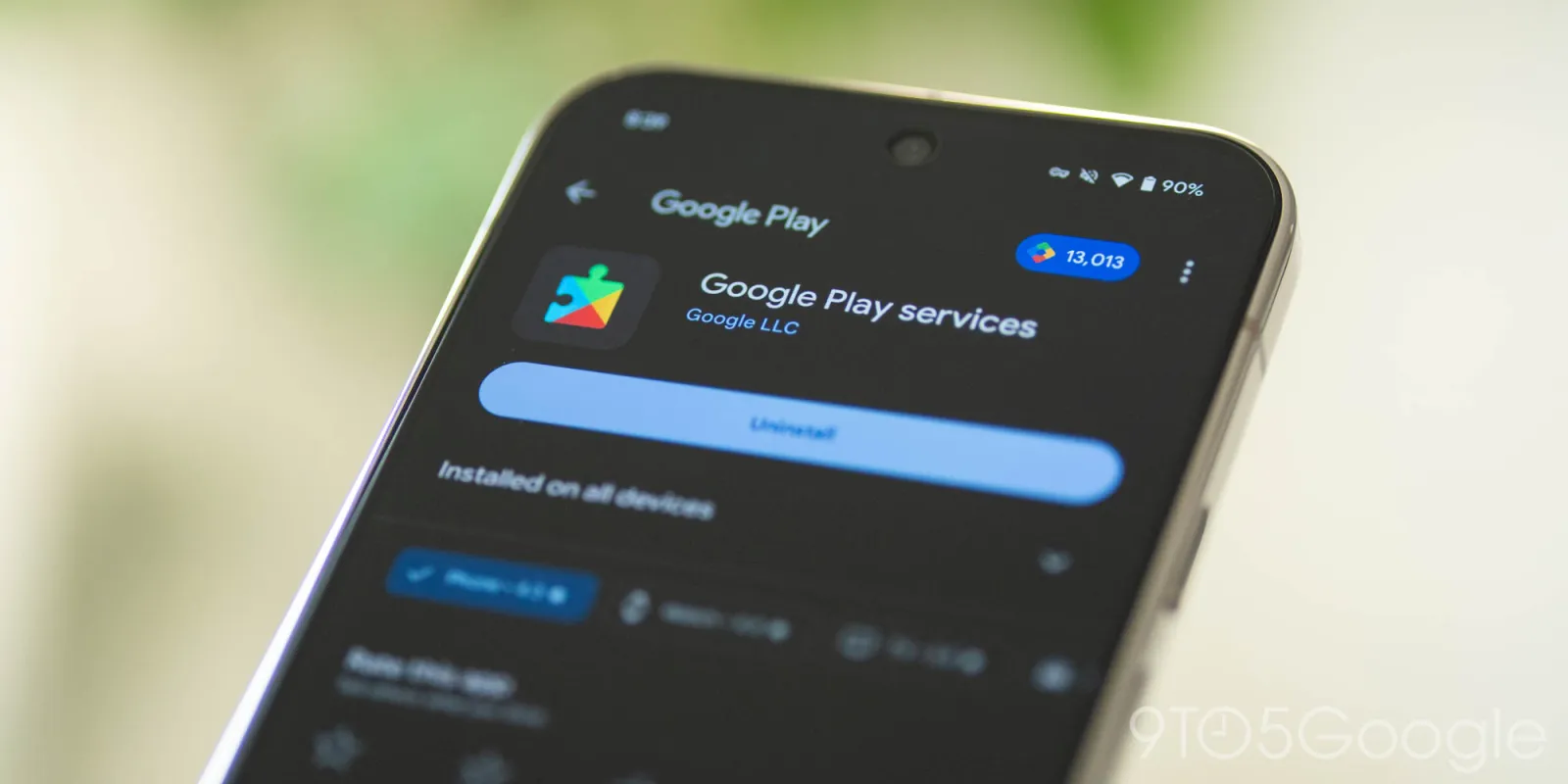
Google System Update 2026 brings a collection of changes across Google Play services, the Play Store, Android WebView, and other Android system components. Unlike a major Android version upgrade, these updates can arrive separately and improve features, security, reliability, and app compatibility without changing the entire operating system.
For Android users, the latest August 2026 releases include improvements to device connectivity, Google Play Protect, Wallet, Fast Pair, WebView, app discovery, and system services. This guide explains what changed, which features matter most, and how to check whether your device has received the latest updates.
What Is the Google System Update?
A Google system update is not necessarily the same thing as a full Android version update.
Google System Services updates can include changes to several components that operate across Android devices. Google says these updates cover the Android operating system, Google Play Store, and Google Play services, and can apply to phones, tablets, Android TV, Google TV, Android Auto, Wear OS, ChromeOS, and other supported platforms.
This approach allows Google to deliver certain improvements independently of a complete Android release.
Google System Update vs. Android Version Update
| Update type | What it changes | Typical purpose |
|---|---|---|
| Android OS update | Core operating system | Major features, platform changes and security |
| Google Play services update | Google services and system functionality | Features, compatibility, reliability and fixes |
| Google Play Store update | App-store experience | App discovery, installation and store features |
| Android WebView update | Web content component | Security, privacy, compatibility and bug fixes |
| Android System Intelligence update | System intelligence components | Maintenance and supported system features |
This distinction is important because an Android phone can receive Google system components even when it is not receiving a major Android version upgrade at the same time.
Latest Google System Updates in August 2026
Google’s official release notes show several updates throughout August 2026. The latest entries include Google Play services v26.33 on August 24, Google Play Store v52.9 on August 24, and Android WebView v153 on August 26.
Here are the most relevant changes for Android users.
1. Google Play Services v26.33
The August 24 release of Google Play services v26.33 includes new developer capabilities related to utilities and device connectivity. It also adds Wallet tile actions to the Onboarding Companion.
Much of this release is aimed at enabling functionality used by Google and third-party applications rather than introducing a dramatic new interface.
Why Google Play services matter
Google Play services sit behind many Android features and applications. Updates can therefore improve functionality without requiring users to install a completely new Android operating system.
The latest release is particularly relevant to:
- Device connectivity
- Utility-related app functions
- Google Wallet setup
- Developer-supported Android features
Some features may also depend on device type, software version, region, or app support.
2. Google Play Store v52.9
The latest Play Store release listed for August 24 is version 52.9.
Google’s release notes identify several changes for Android users, including improvements to app discovery on large-screen devices and changes to the way Play Store content is presented.
New Play Store improvements
The update includes:
- A new chip on Home and Search highlighting quality apps on large-screen devices
- Video highlights for apps and games within Ask Play
- Improved handling of inline-install overlays
- Curated groups of complementary apps through app bundles
- Improved Google Play Protect detection of potentially harmful apps
- More non-personalized app content on listings for installed applications
- Audiobook sample content on the Apps home page
These changes are more focused on the Play Store experience than on Android’s core interface.
Google Play Protect improvements
One of the more practical changes is an improvement to Google Play Protect’s ability to detect potentially harmful applications.
For users, this reinforces an important security habit: keep Google Play services and the Play Store updated rather than treating updates as optional cosmetic changes.
3. Android WebView v153
Android WebView is an important system component because applications can use it to display web content.
The August 26 release, Android WebView v153, includes security and privacy improvements, bug fixes, and new developer capabilities for displaying web content in Google and third-party applications.
The release also includes changes involving the Web Audio APIs, including support for an optional renderSizeHint for AudioContext and OfflineAudioContext.
Why WebView updates matter
You might not notice a WebView update directly, but many applications rely on web-based components.
Keeping WebView current can therefore help with:
- App compatibility
- Web content rendering
- Security
- Privacy
- Bug fixes
If an app displays websites, login pages, embedded web content, or other browser-based elements, WebView can be part of that experience.
Read More: OpenPhone Review: Is It the Right Choice for Your Business?
4. Android System Intelligence Updates
Google also released Android System Intelligence B.28/C.6 on August 6.
The August release notes describe this update as containing bug fixes and maintenance changes.
This illustrates an important part of Google’s update strategy: not every system update introduces a visible feature. Some releases primarily maintain existing functionality and improve reliability.
5. Fast Pair Gets a Better Setup Experience
Google Play services v26.30, released August 3, introduced a new full-page interface for setting up tags and devices through Fast Pair.
The update also supports locator-tag setup for Find Hub adoption under certain conditions.
What this means for Android users
Fast Pair is designed to simplify the process of connecting supported accessories and devices.
A better setup experience can make it easier to connect compatible:
- Bluetooth accessories
- Trackers
- Nearby devices
- Other supported hardware
The exact experience depends on the accessory and device compatibility.
6. Google Wallet Gets Improvements
Google Wallet has also received attention in the August system updates.
The August 3 Google Play services release included an improved user experience for Wallet passes. Later releases added further Wallet-related functionality, including support connected with age credentials and onboarding.
These changes show how Google is continuing to develop Wallet as a broader digital credentials and payments platform.
7. Tap to Share Expands Device Connectivity
Google Play services v26.32, released August 17, introduced a tap-to-share experience that allows supported phones to exchange information by tapping devices together. Google lists support for sharing contact information, photos, videos, links, locations, files, and contacts.
This is particularly useful when two nearby devices need to exchange information without navigating through multiple menus.
What can be shared?
Depending on device and feature support, the update includes sharing options for:
- Contact information
- Photos
- Videos
- Links
- Location information
- Files
Availability can vary by device and feature rollout.
8. Quick Start Makes New Device Setup Easier
Google Play services v26.32 also introduced Quick Start support for setting up a new device using an existing Android device.
For people replacing an Android phone, this can make the initial setup process more convenient.
A typical device upgrade involves several steps, including:
- Connecting the new device.
- Signing into a Google account.
- Transferring supported information.
- Installing or restoring applications.
- Configuring device settings.
- Connecting accessories.
Quick Start is intended to simplify part of this process.
9. Cross-Device Features Continue to Expand
The August 17 Google Play services release also introduced the ability to enable certain beta features through cross-device services settings. Google additionally added PC-related setup experiences and device connectivity improvements.
This reflects a broader Android trend toward connected devices rather than treating the smartphone as an isolated product.
The long-term direction includes closer interaction among:
- Phones
- PCs
- Wear OS devices
- Accessories
- Other supported Google-connected devices
10. Security and Privacy Remain a Major Focus
Google’s August updates are not only about new features.
Android WebView v153 includes security and privacy improvements, while Google Play Protect received improved detection capabilities in Play Store v52.9.
Google also announced new Android 17 network-security protections in August, including measures designed to protect network connections and improve privacy against network snooping.
This matters because modern smartphone security depends on multiple layers rather than one update.
Android security involves several components
A secure Android experience can involve:
- Android security updates
- Google Play services
- Google Play Protect
- Android WebView
- App updates
- Device manufacturer updates
- Safe account practices
Keeping these components current reduces the chance that an important security or compatibility improvement is missed.
Google System Update 2026: What Users Should Know
Not every Android phone will receive every feature at the same time.
Google’s release notes repeatedly indicate that some features may be experimental or available only to certain users.
Availability can depend on:
- Android version
- Device manufacturer
- Device model
- Region
- Google account
- App version
- Google Play services version
- Feature rollout status
Therefore, seeing a feature mentioned in release notes does not necessarily mean it will immediately appear on every Android phone.
How to Check Google System Updates on Android
You can check the relevant update information from your phone’s settings.
Check the Android version and security information
On many Android phones:
- Open Settings.
- Scroll to About phone or System.
- Look for Android version or Software information.
- Check the Android security update and related system information.
The exact menu names vary by manufacturer.
Check Google Play system update
On supported Android versions, you can generally find the Google Play system update option through:
Settings → Security & privacy → System & updates → Google Play system update
The exact path can differ between Android versions and manufacturers.
Update Google Play services and Play Store
Google Play services generally update through Google’s system mechanisms, while the Play Store itself can be updated from its app settings.
To check the Play Store:
- Open Google Play Store.
- Tap your profile picture.
- Open Settings.
- Select About.
- Check the Play Store version and available update information.
Does the Google System Update Require a New Android Version?
No.
Google system components can be updated independently from a full Android operating-system release.
This is one of the main benefits of Google’s modular update approach. Users can receive improvements to services such as Play Store, Play services, WebView, and other components without waiting for an entirely new Android version.
However, some features still require a specific Android version or compatible hardware.
Will Every Android Phone Get These Features?
No.
Google System Services updates support a broad range of Android devices, but individual features can have different compatibility requirements.
For example, a feature designed for large-screen devices may not appear on a standard phone, while Wear OS functionality requires a compatible wearable.
Google also notes that some features may be experimental or limited to certain users.
Why These Updates Matter for Android Users
The most important point is that system updates are not only about adding visible features.
They can also improve the underlying Android experience.
For everyday users
You may benefit from:
- Better device connectivity
- Improved app compatibility
- Safer application discovery
- Better Wallet functionality
- Easier device setup
- Security and privacy improvements
For developers
Developers benefit from updated system APIs, services, WebView capabilities, and Google Play infrastructure that can support newer application experiences.
For businesses
Businesses can benefit from improved device reliability, security features, connected-device capabilities, and updated Google services.
Google System Update 2026 vs. a Major Android Update
It is useful to understand the difference before assuming a system-services release is a major Android upgrade.
| Feature | Google System Update | Major Android Update |
| Full OS replacement | Usually no | Yes |
| Play services changes | Yes | Can include them |
| Play Store changes | Yes | May occur separately |
| WebView changes | Yes | Can be separate |
| Security improvements | Often | Yes |
| New Android platform APIs | Not necessarily | Common |
| User-interface changes | Usually limited | More likely |
| Device eligibility | Varies | Varies by manufacturer/device |
The Google System Update is therefore best understood as a collection of improvements to Android-related components rather than a single major operating-system release.
What Should Android Users Do Now?
If you want to benefit from the latest Google system improvements, follow these simple steps:
- Check your Android version.
- Check your Google Play system update.
- Keep Google Play Store updated.
- Allow important system components to update.
- Keep your applications updated.
- Install available security updates from your device manufacturer.
- Restart your phone if an update requires it.
You do not need to manually install every component mentioned in Google’s release notes. Many updates are delivered automatically or through Google’s normal update mechanisms.
Frequently Asked Questions
What is the Google System Update 2026?
It refers to Google’s ongoing updates to Android-related system components, including Google Play services, Google Play Store, Android WebView, and other Google system services.
What is new in the August 2026 Google system update?
August releases include Google Play services updates, Play Store improvements, Android WebView security and privacy changes, improved Play Protect detection, device-connectivity features, Wallet improvements, and other maintenance updates.
Is the Google System Update the same as Android 17?
No. A Google system-services update and a major Android version update are separate concepts. Google can update services such as Play services and WebView without requiring the entire Android operating system to change.
How do I check my Google Play system update?
Open your Android Settings and look under the security, system, or software-update sections. The exact location varies by Android version and phone manufacturer.
Why haven’t I received a new Google system feature?
Features can have different compatibility requirements and rollout schedules. Google also states that some features may be experimental or available only to certain users.
Does updating Google Play services improve security?
It can. Google describes system-services updates as helping make Android devices more secure and reliable, and recent releases include security-related improvements and bug fixes.
Do Google system updates delete my data?
A normal Google Play services, Play Store, or WebView update is not intended to erase your personal data. However, you should maintain current backups before major device software changes.
Conclusion
The Google System Update 2026 is less about one dramatic Android redesign and more about continuous improvements across the services that Android users rely on. August updates bring changes to Google Play services, Play Store, WebView, Play Protect, Wallet, Fast Pair, device connectivity, and system maintenance. Keeping these components updated helps your Android device stay secure, compatible, and ready for newer Google features.

2 Comments
Pingback: Best Smartphones for Battery Life in 2026: Top Picks Compare
Pingback: Best VoIP Services for Small Business in 2026