

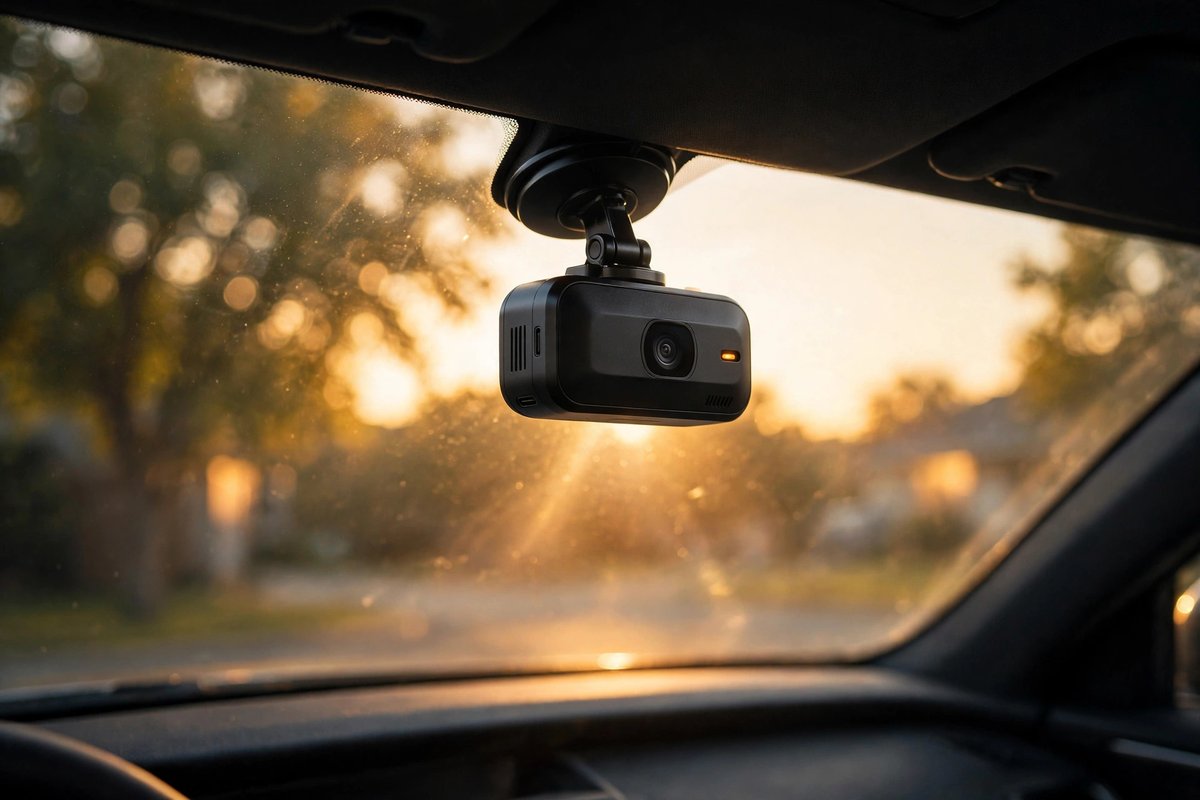
Dash Cams have moved from niche car accessories to everyday driving essentials. Around 16 percent of drivers in the United States now use a dash cam, and one in five of those owners has already used the footage for an insurance claim, according to a 2025 survey by the Marc Brown Law Firm. When a minor collision turns into a disputed claim, a clear recording of the seconds before impact is worth far more than any verbal account.
This guide covers the best dash cams in 2026: standout models from VIOFO, ROVE, Garmin, Thinkware, Nextbase, Vantrue, 70mai, and BlackVue, the specs that decide video quality, installation, memory cards, and legal basics. Prices move fast, so figures below are current-listing examples, not quotes.
Many drivers treat a dash cam as part of a wider safety setup, the same way households protect the cameras watching their front doors — our guide to smart home security in 2026 covers the connected-camera side of that thinking, from passwords to firmware updates.
What Is a Dash Cam and How Does It Work?
A dash cam is a small camera mounted on a car’s windshield or dashboard that records the road continuously while you drive. Most units loop-record onto a microSD card, automatically overwriting the oldest footage when the card fills up, so the camera never stops for lack of storage.
The core loop looks like this:
- Power on: recording starts with the engine, via the 12V socket or a hardwire kit.
- Loop recording: video saves in 1-3 minute clips, so one corrupted file never costs a whole drive.
- Event protection: the G-sensor locks clips around impacts or hard braking so looping cannot overwrite them.
- Parking mode: with constant power, the camera watches the parked car and records on motion or impact.
Higher-end models add GPS speed stamping, Wi-Fi transfers, LTE cloud uploads, and driver-assistance alerts.
Dash Cam Types Explained: Front, Dual-Channel, Mirror, and 360-Degree
Pick a layout before comparing brands — it narrows the field instantly.
1. Front-Only Dash Cams
A single forward-facing camera. Compact and affordable — enough to prove what happened ahead, which covers most collisions and disputes.
2. Dual-Channel (Front + Rear) Dash Cams
Front camera plus a smaller rear camera. The sweet spot for most buyers: captures rear-end collisions, tailgating, and hit-and-runs from behind.
3. Triple-Channel and 360-Degree Dash Cams
Front, rear, and cabin cameras in one system. Rideshare drivers value the interior view; true 360-degree rigs add side coverage but need professional installation.
4. Mirror Dash Cams
A mirror replacement with a built-in screen and front camera, often paired with a rear camera — doubling as a digital rearview mirror for trucks and vans.
Why Every Driver Needs a Dash Cam in 2026
A dash cam is an unbiased witness that never forgets and never argues. The 2026 case:
- Insurance disputes: clear footage settles fault quickly and protects you against staged crashes and false claims.
- Hit-and-runs: parking mode can capture a plate even when nobody leaves a note.
- Bad-driver evidence: road rage, red-light runners, and reckless overtakes are all documented automatically.
- Fleet and family monitoring: parents of teen drivers and small business owners get location, speed, and video context.
- Lower-cost proof: a one-time hardware purchase replaces arguments, and some insurers view dash cam ownership favorably when evidence is available.
The cost is modest next to a single disputed claim, and most dash cams install in minutes.
Best Dash Cams in 2026: Top Picks at a Glance
Before the detailed reviews, here is the short list. Each pick below earns its slot for a specific kind of buyer.
| Model | Channels | Front resolution | Key strength | Best for |
|---|---|---|---|---|
| VIOFO A229 Pro | Front + rear | 4K | Dual Sony STARVIS 2 sensors | Best overall evidence quality |
| VIOFO A329S | Front + rear | 4K at 60fps | Flagship image quality | Premium buyers |
| ROVE R2-4K Dual | Front + rear | 4K | Strong value, popular bundle | Most buyers on a budget |
| Garmin Dash Cam Mini 3 | Front only | 1080p | Tiny, discreet body | Clean, hidden installs |
| Thinkware U3000 | Front + rear | 4K | Parking-mode and low-light leader | Night driving, parked-car watch |
| Nextbase iQ 4K | Front (+ cabin/rear options) | 4K | Smart connected features | Always-connected drivers |
| Vantrue N4 Pro S | Front + rear + cabin | 4K | Triple-channel coverage | Rideshare and taxi drivers |
| BlackVue DR970X-2CH LTE Plus II | Front + rear | 4K UHD | Built-in 4G LTE cloud | Connected premium setups |
Best Overall Dash Cam: VIOFO A229 Pro
CNN Underscored’s weeks of testing named the VIOFO A229 Pro the best overall dash cam of 2026, and multiple roundups rank it first for image quality.
- 4K front + 2K rear: plates read clearly from both ends of the car.
- Dual Sony STARVIS 2 sensors: the current benchmark for dash cam low-light performance.
- HDR: balances bright sky against dark shadows, protecting night plate readability.
- GPS, Wi-Fi, parking mode: the full modern feature set, including buffered parking recording with a hardwire kit.
It costs more than the bargain dual-channel models, but for a device whose whole job is capturing one decisive moment, the image-quality margin is worth it.
Best Premium Dash Cam: VIOFO A329S
VIOFO’s newer flagship records 4K at up to 60fps on the front camera with a 2K rear — a top-tier pick for serious buyers per outlets like Vortex Radar.
- 4K at 60fps front: the higher frame rate freezes fast motion — a speeding car’s plate at an intersection is far easier to read at 60fps than 30fps.
- 2K rear camera: stronger rear coverage than most dual-channel rivals.
- Listed around $400 in current US listings, placing it firmly in the premium tier.
Buy it if footage quality is the top priority. Most casual drivers will be served just as well by the A229 Pro.
Best Value Dual Dash Cam: ROVE R2-4K Dual
The ROVE R2-4K Dual is 2026’s people’s pick — one of Amazon’s most popular dual-channel dash cams and the value recommendation in several independent roundups, with 4K front recording, a rear camera, GPS, and Wi-Fi well under flagship prices.
- 4K front + rear camera: full dual-channel coverage in one box, often bundled with a memory card.
- GPS and Wi-Fi: speed and location stamping plus phone app transfers.
- Proven popularity: a huge owner base means firmware quirks get found and fixed fast.
The R2-4K Dual Pro variant earned MotorTrend’s 2026 best night-performance nod; for ultimate night plates, VIOFO’s STARVIS 2 models still lead.
Best Compact Dash Cam: Garmin Dash Cam Mini 3
The Garmin Dash Cam Mini 3 is barely larger than a key fob and tucks behind the rearview mirror — nearly invisible from the driver’s seat.
- Tiny footprint: the smallest serious dash cam from a major brand.
- 1080p front recording: sharp enough for general evidence, though not the best choice for reading distant plates.
- Listed around $149 in current US listings — a fair price for the Garmin name and app ecosystem.
- Voice control: hands-free commands like saving a clip without touching the camera.
Also in the Garmin family: the 1440p Dash Cam 67W with a 180-degree lens, the 4K Dash Cam X310 with safety alerts (around $360), and the 1440p Dash Cam Live — PCMag’s Editors’ Choice for driver-assist features (around $380).
Best Dash Cam for Night Driving: Thinkware U3000
Night driving is where cheap dash cams fall apart: headlights bloom, plates wash out, shadows swallow detail. The Thinkware U3000 is 2026’s low-light leader across roundups, with the U3000 Pro taking the premium parking-mode crown.
- 4K front recording tuned for night clarity.
- Best-in-class parking mode: radar-assisted options and energy-saving modes that watch the car for days without draining the battery.
- Refined companion app for reviewing night clips and adjusting exposure settings.
If most of your driving happens after dark, this is the category leader.
Best Smart Dash Cam: Nextbase iQ 4K
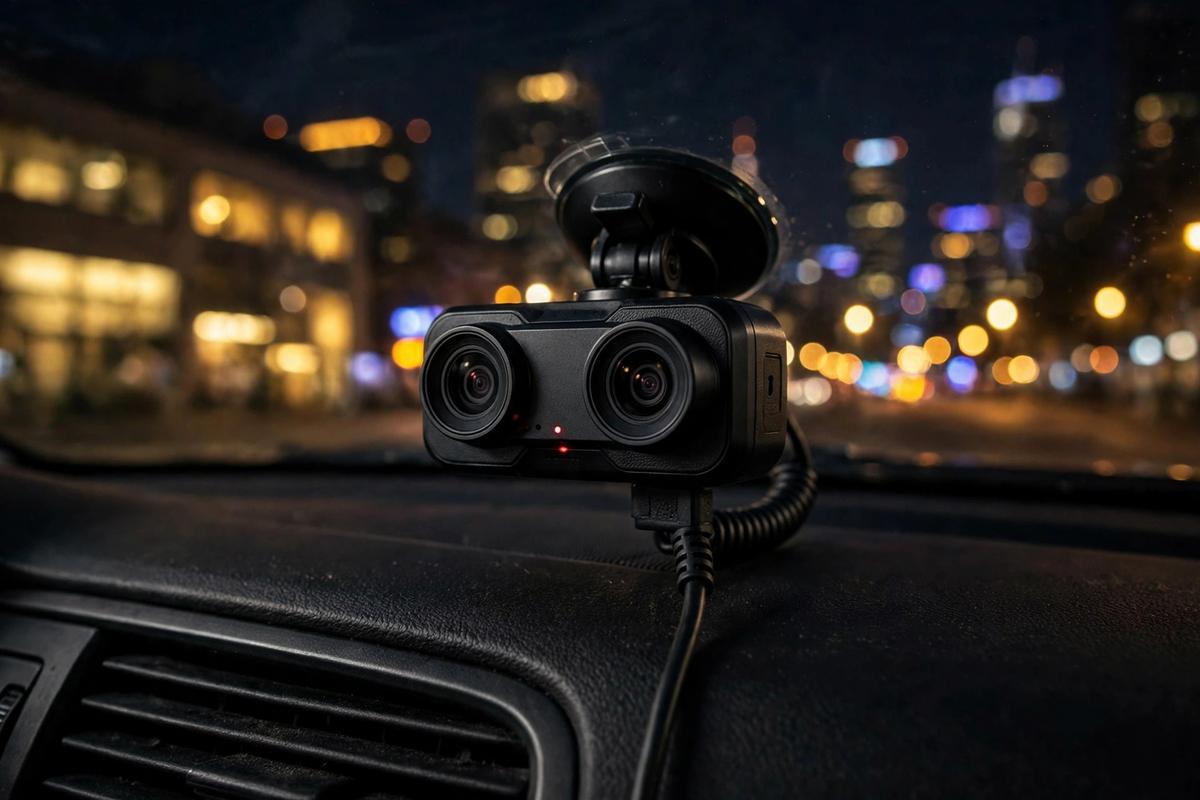
The Nextbase iQ 4K is the smartest dash cam of 2026: an always-connected camera with cloud features that go beyond recording. T3 named the Nextbase iQ its current best overall dash cam.
- 4K front camera with cabin and rear camera options.
- Cloud connectivity: live view, Smart Sense parking alerts, Witness Mode, and remote alarm from your phone.
- Subscription tiers: free Solo covers basics; Protect (around $9.99/month or $99.99/year) adds live view and 30-day cloud storage; Protect Plus (around $19.99/month or $199.99/year) extends to 180 days with Emergency SOS.
- Listed around $400 in current US listings for the camera itself.
Also from Nextbase: the 1440p Piqo 2K front-only camera (around $135), the 4K 622GW with image stabilization, Emergency SOS, and what3words, and the 1080p 322GW as the entry pick.
Best Dash Cam for Rideshare Drivers: Vantrue N4 Pro S
Rideshare drivers need interior coverage — disputes happen inside the car too. The Vantrue N4 Pro S is a three-channel system (front, rear, cabin) and the 2026 rideshare pick across roundups.
- Triple-channel recording: front, rear, and interior cameras in one system.
- 4K front camera with infrared cabin night vision for dark interiors.
- Parking mode and GPS for full-shift documentation.
The newer Vantrue N5S adds a fourth camera — 2.7K front, 2K rear, dual 1080p cabin (around $380). The Vantrue E1 Pro earned Car and Driver’s best-value nod for single-camera buyers.
Best Connected Premium Dash Cam: BlackVue DR970X-2CH LTE Plus II
BlackVue has long been the premium cloud dash cam brand, and the DR970X-2CH LTE Plus II is its latest dual-channel flagship. The front camera uses Sony’s top-of-the-line IMX678 STARVIS 2 sensor recording 4K UHD at up to 60Mbps, paired with a Full HD rear camera.
- Built-in 4G LTE: no phone hotspot needed — the camera uploads events and streams live directly (North America version uses T-Mobile’s network; SIM card not included).
- Sony STARVIS 2 front sensor with a wide f/1.7 aperture and 146-degree field of view.
- Parking mode with battery discharge prevention, GPS, dual-band Wi-Fi, and BlackVue Cloud compatibility.
- Listed around $541 for the 64GB version at BlackVue North America.
Above it sits BlackVue’s newer ELITE series — the ELITE 10 records dual 4K channels — for buyers wanting the absolute latest.
Dash Cam Video Resolution Explained: 1080p vs 1440p vs 2K vs 4K
Resolution is the single biggest factor in whether your footage is useful evidence. Here is what each tier means in practice.
| Resolution | Pixel count | Plate readability | Storage appetite |
|---|---|---|---|
| 1080p Full HD | 1920 x 1080 | Readable at close range only | Low — fine on 32-64GB cards |
| 1440p QHD | 2560 x 1440 | Good at moderate distance | Moderate |
| 2K / 1440p+ | 2560 x 1440 and up | Reliable in most daylight scenes | Moderate to high |
| 4K UHD | 3840 x 2160 | Best — reads plates at distance, day and night | High — use 128GB or larger |
Resolution is not the whole story: a 4K sensor with a weak lens can lose to a well-tuned 1440p camera after dark. Prioritize sensor quality → HDR/night processing → resolution → frame rate. Note that 4K at up to 60Mbps eats roughly 27GB per hour — a 256GB card holds about 9 hours before looping.
Dash Cam Sensors and Night Vision: STARVIS, HDR, and Wide Dynamic Range
Most night-driving failures come down to the image sensor, not the resolution number.
- Sony STARVIS 2: back-illuminated sensors built for low light — the current gold standard (VIOFO A229 Pro/A329S, BlackVue DR970X series).
- HDR: merges exposures so headlights do not white-out plates and shadows keep detail — essential at night.
- WDR: the older, simpler version of HDR — good, but true HDR is better.
- Aperture: f/1.6 to f/1.8 lets in more light than f/2.0+. Wider is better for night.
- Infrared cabin cameras: IR LEDs illuminate the cabin invisibly at night — standard on rideshare models.
At similar prices, the camera with the better sensor and HDR almost always produces more usable evidence than the one with the bigger resolution number.
Dash Cam Parking Mode: How It Works and What It Needs
Parking mode keeps the camera watching while the engine is off. It is how dash cams catch parking-lot dings, break-ins, and hit-and-runs.
Step 1: Understand the three parking-mode styles
- Motion and impact detection: records short clips when the camera sees movement or feels a bump. Saves storage and power.
- Time-lapse: records continuously at a low frame rate (e.g., 1fps), giving a full visual log of the parked hours.
- Buffered recording: the camera is always recording but only saves the seconds before and after a trigger — the most complete option.
Step 2: Give it constant power
Most 12V sockets lose power with the engine, so parking mode needs a hardwire kit to the fuse box or an external battery pack — use one with voltage cut-off to protect the car battery.
Step 3: Mind the heat and the battery
Capacitor-based dash cams handle cabin heat far better than battery-based ones and last longer. In hot climates, prefer capacitor models and park with a sunshade.
Dash Cam GPS, G-Sensor, Wi-Fi, and App Features Explained
The features that separate 2026 models from basic recorders:
- GPS: stamps speed and location onto footage and enables map route playback — powerful for insurance claims.
- G-sensor: detects impacts and locks event clips; adjustable sensitivity prevents false triggers on rough roads.
- Wi-Fi and Bluetooth: preview, download, and share clips from your phone without removing the card.
- Companion apps: Garmin Drive, VIOFO, Nextbase, BlackVue, and 70mai apps handle clips, firmware, and settings — check recent app-store ratings first, since a bad app ruins a good camera.
- Cloud and LTE: premium models (Nextbase iQ, BlackVue LTE series) upload events automatically and offer live view and theft alerts.
- ADAS alerts: lane-departure and forward-collision warnings (e.g., Garmin X310) — a bonus, not a safety system.
- Voice control: hands-free clip saving on Garmin and several other brands.
Dash Cam SD Card Requirements: Size, Speed, and High Endurance
The memory card is the most overlooked part of a dash cam setup — and the most common source of “my dash cam stopped recording” complaints.
1. Buy high-endurance cards, not regular ones
Dash cams rewrite the whole card every few days, wearing out standard cards fast. High-endurance microSD cards are built for continuous recording — use the dash cam maker’s card or a reputable endurance line.
2. Get the right size
- 32GB: minimum usable — a few hours of 1080p.
- 64-128GB: the sweet spot for 1440p and 2K dual-channel setups.
- 256GB+: recommended for 4K dual-channel cameras; many 2026 flagships support up to 512GB or 1TB.
3. Check the speed class
Use Class 10 / UHS-I U1 or better (U3 for 4K). Slow cards cause dropped frames and corrupted clips at high bitrates.
4. Format in the camera
Format new cards in the dash cam itself, reformat every few months, and replace endurance cards every 1-2 years of heavy use.
How to Install a Dash Cam: A Complete Setup Guide
Most installs take 15-30 minutes with no special tools:
Unbox → Mount → Format the card → Route the cable → Power up → Check the footage
Step 1: Unbox and pick the mounting spot
Clean the glass behind the rearview mirror with the included alcohol pad — out of your sightline and within wiper range. Check your state’s windshield-mount rules first.
Step 2: Mount the camera
Adhesive mounts are more stable long-term than suction cups. Press firmly for 30 seconds and let adhesive cure a few hours before rough roads.
Step 3: Format the memory card
Insert the microSD card and format it in the camera’s menu — under a minute, and it prevents most recording errors.
Step 4: Route the cable
Run the cable along the headliner, down the A-pillar (behind the airbag, never across it), and under the dash to the 12V socket or hardwire point. A trim tool or old credit card tucks it invisibly.
Step 5: Power up and aim
Start the car, confirm power-on, and check the live view: horizon near the middle, hood just visible at the bottom.
Step 6: Check the footage
Record a short test drive and review it: plates readable, date/time/GPS stamp correct.
Do Dash Cams Record When the Car Is Off?
Yes — but only with power and parking mode enabled. A camera on a standard 12V socket usually shuts down with the engine.
To record while parked, you need one of these:
- A hardwire kit connected to a constant-power fuse, with a voltage cut-off so it never drains your car battery below a safe level.
- An external dash cam battery pack that charges while you drive and powers the camera while parked — the cleanest option for heavy parking-mode users.
- An OBD-II power cable on some models, which draws constant power through the diagnostic port with built-in low-voltage protection.
Parking-mode draw is small, but buffered 4K for days needs a big battery pack or regular driving to recharge.
Are Dash Cams Legal? Rules and Privacy Notes
Dash cams are legal for personal use in most of the world, but the details vary — this is general information, not legal advice.
- United States: recording public roads is broadly protected, but windshield-obstruction rules, audio consent laws, and mount placement vary by state — check yours before installing.
- United Kingdom: dash cams are widely used and footage is commonly accepted by insurers; data-protection rules apply if you share footage identifying people.
- Germany: personal in-car use is allowed, but posting identifiable footage online can violate privacy law — blur plates and faces before sharing.
- Austria: fines of up to €25,000 can apply when recording amounts to surveillance; casual personal use sits in a grayer area.
- Russia: dash cams are explicitly allowed and their footage is routinely used as evidence — one reason they became near-universal there.
Privacy habits: mute the mic if you do not need cabin audio, avoid uploading raw footage with readable plates, and tell passengers about interior cameras.
Dash Cam Troubleshooting: Common Problems and Fixes
Almost every dash cam problem traces back to power, the memory card, or settings. Work through these before assuming the camera is broken:
1. Camera stops recording or shows a card error
Reformat the card in the camera; if errors persist, replace it with a high-endurance card — worn cards are the top cause of recording failures.
2. Camera will not power on
Try a different 12V socket or USB port, then a different cable. Some cars cut socket power with the ignition; that is normal, not a fault.
3. Footage is blurry at night
Clean the windshield inside and out, remove the lens film, and enable HDR or night mode. Persistent washout means the sensor is too weak — the main reason to buy STARVIS 2.
4. G-sensor locks too many clips
Lower the G-sensor sensitivity in settings. Locked event files never get overwritten, so a hair-trigger sensor will fill the card with false alarms.
5. Date and time keep resetting
The internal battery or capacitor that holds the clock is failing, or GPS time-sync is off. Enable GPS sync if available; on older units this signals the camera is near end of life.
6. Wi-Fi app will not connect
Forget the camera’s Wi-Fi on your phone and re-pair, disable mobile data during setup, and update the app and camera firmware.
Dash Cam Buying Checklist for 2026
Run through this list before buying:
- Channels: front-only for basic proof; front + rear for complete coverage; triple-channel for rideshare.
- Resolution: 4K if plate readability matters; 1440p/2K minimum for a primary camera in 2026.
- Sensor: Sony STARVIS 2 preferred; HDR for night driving.
- Parking mode: only worth it with a hardwire kit or battery pack.
- GPS: worth having for speed and location stamping on insurance-relevant footage.
- Storage support: 256GB+ support for 4K; high-endurance card in the box or budgeted separately.
- Power design: capacitor-based over battery-based for hot climates and longevity.
- App quality: check recent app-store reviews — a clumsy app makes a good camera painful.
- Mount type: adhesive for permanence, suction for flexibility; confirm it fits behind your mirror.
- Warranty and support: established brands (Garmin, Nextbase, VIOFO, BlackVue, Thinkware) offer real firmware updates and support channels.
For background on the history, technical features, and country-by-country legal picture, see dashcams on Wikipedia.
Dash Cam FAQs
1. How long does a dash cam record before overwriting footage?
Depends on resolution and card size: 256GB holds roughly 9 hours of high-bitrate 4K or 20+ hours of 1080p before looping. G-sensor-locked event clips are protected.
2. Can dash cam footage lower my insurance premium?
Some insurers offer dash cam discounts, but policies vary. The bigger value is winning disputes: clear not-at-fault footage can save a deductible and a premium hike.
3. Do I need Wi-Fi on a dash cam?
Not strictly — you can pull the microSD card. Wi-Fi just makes reviewing and sharing clips far easier, especially at the roadside after an incident.
4. Will a dash cam drain my car battery?
In normal driving use, no — it runs off the car’s power while the engine is on. For parking mode, use a hardwire kit with voltage cut-off or a dedicated battery pack so the camera shuts down before the car battery gets low.
5. Front-only or dual-channel: which should I buy?
Dual-channel if the budget allows — rear-end collisions are among the most common crashes and front-only cameras miss them. The 2026 price gap is small enough that most buyers should go dual.
6. How often should I replace the memory card?
High-endurance cards last 1-2 years of daily driving. If card errors return after a reformat, replace the card immediately.
Conclusion: The Best Dash Cams of 2026 for Every Driver
The VIOFO A229 Pro is the 2026 overall pick, the A329S takes the premium crown, the ROVE R2-4K Dual delivers dual-channel 4K value, and the Garmin Dash Cam Mini 3 disappears behind your mirror. Night drivers: Thinkware U3000. Connected drivers: Nextbase iQ 4K or BlackVue DR970X-2CH LTE Plus II. Rideshare: Vantrue N4 Pro S.
Prioritize sensor and night performance over the resolution number, buy a high-endurance card, and mount it properly. A dash cam only protects you if it is recording — pick one you will actually leave on the windshield.
