

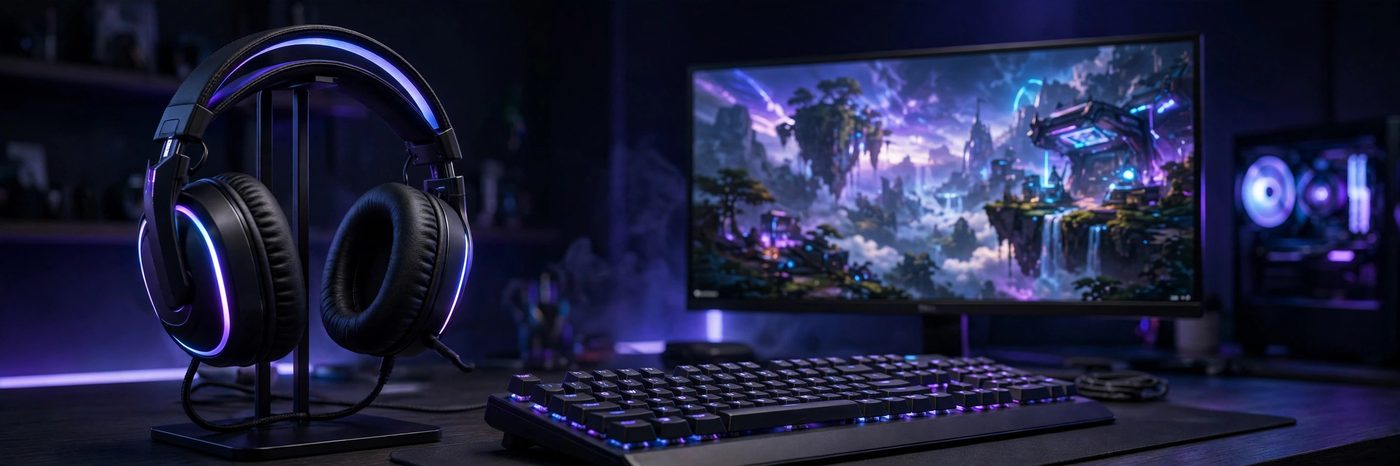
A good gaming headset changes how a game feels. Footsteps become easier to place, dialogue stays clear in a busy lobby, and your squad hears every callout the first time.
The best gaming headsets in 2026 cover every budget and platform. Wireless models last for days on a charge, wired models deliver the best value, and even mid-range headsets include spatial audio, noise-canceling mics, and full EQ control.
This guide compares the strongest gaming headsets for PC, PS5, and Xbox, explains what the specifications actually mean, and walks you through setup and troubleshooting. If you are building out your whole setup, pair your new headset with the best PC games of 2026 to hear what modern game audio can really do.
- Best overall premium: SteelSeries Arctis Nova Pro Wireless
- Best competitive: Razer BlackShark V3 Pro
- Best battery life: HyperX Cloud Alpha Wireless
- Best budget wired: HyperX Cloud III
- Best for PS5: Sony Pulse Elite
What Makes a Great Gaming Headset in 2026?
A great gaming headset balances four things: sound, microphone, comfort, and connection. No single specification tells the whole story, so look at the complete package before you buy.
- Sound: large, well-tuned drivers with a wide frequency response and support for spatial audio formats such as Dolby Atmos, DTS Headphone:X, or Tempest 3D on PS5.
- Microphone: a clear, noise-rejecting boom mic that keeps your voice intelligible in Discord and in-game chat.
- Comfort: light weight, soft ear cushions, and a headband that distributes pressure evenly across long sessions.
- Connection: low-latency 2.4 GHz wireless or wired for competitive play, plus Bluetooth for phones and calls.
- Battery: at least 30 hours for wireless models, with fast charging or a swappable battery for heavy users.
- Compatibility: confirmed support for your exact platform, because Xbox wireless support is stricter than PC or PS5.
Price matters too, but the gap between a $100 headset and a $350 flagship is smaller than the marketing suggests. Most players are happiest in the $130 to $250 range.
Gaming Headsets: Wired vs Wireless vs Bluetooth
Every gaming headset uses one of three connection types, and each one suits a different kind of player. There is no single best option, only the best fit for how you play.
1. Wired Gaming Headsets
Wired headsets connect through a 3.5 mm jack or USB and need no charging at all. They cost less, weigh less, and introduce zero wireless latency, which is why many competitive players still prefer them.
- Cheapest way to get good sound and a good mic
- No battery anxiety and no pairing problems
- Works with almost any device that has a headphone jack
- Downside: a cable tugging at your desk or controller
2. Wireless Gaming Headsets (2.4 GHz)
These use a small USB dongle for a dedicated low-latency link. Modern 2.4 GHz headsets are fast enough for competitive play, and most now pair with Bluetooth at the same time so you can hear game audio and a phone call together.
- Freedom to move around your room between matches
- Latency low enough for ranked FPS games
- Battery life now ranges from 30 to 300 hours depending on the model
- Downside: you must charge them, and dongles can be lost
3. Bluetooth Gaming Headsets
Bluetooth is convenient for phones, tablets, and handhelds, but it adds noticeable latency that hurts timing in fast games. Use it for casual play and calls, and switch to 2.4 GHz or wired for competitive matches.
- Best for mobile gaming, Switch in handheld mode, and travel
- Pairs with almost everything
- Downside: latency and lower audio quality in some codecs
Read More: Cloud Gaming in 2026: GeForce Now vs Xbox Cloud Gaming
Best Gaming Headsets 2026 Comparison Table
Here is how the leading gaming headsets in 2026 compare. Prices are approximate US list prices as of October 2026.
| Headset | Best For | Connection | Battery | Weight | Price |
|---|---|---|---|---|---|
| SteelSeries Arctis Nova Pro Wireless | Premium all-rounder | 2.4 GHz + Bluetooth | 2 x 22 hours (hot-swap) | 339 g | ~$350 |
| Razer BlackShark V3 Pro | Competitive FPS | 2.4 GHz + Bluetooth | Up to 70 hours | ~320 g | ~$250 |
| SteelSeries Arctis Nova 7 Gen 2 | All-round wireless | 2.4 GHz + Bluetooth | Up to 38 hours | ~265 g | ~$180 |
| HyperX Cloud Alpha Wireless | Battery life | 2.4 GHz | Up to 300 hours | ~320 g | ~$200 |
| HyperX Cloud III | Budget wired | 3.5 mm / USB | None needed | ~320 g | ~$99 |
| Logitech G Pro X 2 LIGHTSPEED | Esports | 2.4 GHz + Bluetooth | Up to 50 hours | ~345 g | ~$250 |
| Turtle Beach Stealth 700 Gen 3 | Multi-console | 2.4 GHz + Bluetooth | Up to 80 hours | ~400 g | ~$200 |
| Audeze Maxwell 2 | Sound quality | 2.4 GHz + Bluetooth | Up to 80 hours | ~560 g | ~$329 |
SteelSeries Arctis Nova Pro Wireless: Best Premium Gaming Headset
The Arctis Nova Pro Wireless remains the benchmark premium gaming headset in 2026. Its hot-swappable dual-battery system gives around 22 hours per battery, and the spare charges in the GameDAC base station, so the headset effectively never needs to sit on a charger.
- GameDAC Gen 2 base station with an OLED display and parametric EQ
- ClearCast Gen 2 retractable microphone with AI noise cancellation
- Available in PC/PlayStation and Xbox editions; the Xbox edition also works on PS5 and PC
At 339 g and around $350, it is neither light nor cheap, but for players who want one headset for everything, this is the most complete package on the market.
Razer BlackShark V3 Pro: Best Competitive Gaming Headset
The BlackShark V3 Pro is built for competitive FPS players who need to hear footsteps first. Its 50 mm TriForce Bio-Cellulose Gen 2 drivers deliver sharp, detailed sound, and THX Spatial Audio helps with directional cues in games like Counter-Strike 2 and Valorant.
- Up to 70 hours of battery life with ANC off
- Detachable HyperClear wideband microphone
- Adjustable active noise cancellation
At around $250, it undercuts the Nova Pro with longer battery life and a lighter feel. Check which edition you are buying, because the Xbox version carries a different wireless chip.
SteelSeries Arctis Nova 7 Gen 2: Best All-Round Gaming Headset
The Nova 7 Gen 2 is the sweet spot of the SteelSeries range. It keeps the flagship’s suspension headband and retractable mic, adds a second-generation ClearCast mic with AI noise cancellation, and costs roughly half as much as the Nova Pro Wireless.
- Up to 38 hours of battery life with fast USB-C charging
- Simultaneous 2.4 GHz and Bluetooth mixing
If you want one wireless headset that does everything well without flagship pricing, start here. Street prices around $160 to $180 make it one of the best-value gaming headsets of 2026.
HyperX Cloud Alpha Wireless: Best Battery Life Gaming Headset
The Cloud Alpha Wireless holds one of the most impressive specifications in gaming audio: up to 300 hours of battery life on a single charge, which is weeks of normal play between charges.
- 300-hour battery life from a single charge
- 50 mm dual-chamber drivers with strong, controlled bass
- Memory foam ear cushions that stay comfortable for long sessions
The trade-off is weight and features: at around 320 g it is heavier than the Nova 7, and there is no Bluetooth. If you play on PC or PS5 and hate charging, nothing else comes close.
HyperX Cloud III: Best Budget Wired Gaming Headset
The HyperX Cloud III proves that a wired headset can still be the smartest buy in 2026. It uses 53 mm angled drivers, an aluminum frame, and plush memory foam, and it works on every platform with a 3.5 mm jack or USB port.
- 53 mm angled drivers tuned for clear game audio
- Durable aluminum frame and memory foam comfort
- Usually sells for around $99, often less on sale
For players who want reliable sound and a good microphone without spending much, the Cloud III is the default recommendation.
Logitech G Pro X 2 LIGHTSPEED: Best Esports Gaming Headset
The G Pro X 2 LIGHTSPEED is the headset many professional players use on stage. Its 50 mm PRO-G graphene drivers are light and rigid, which helps them reproduce sharp high-frequency detail like footsteps and reload sounds without distortion.
- 50 mm graphene drivers for precise, low-distortion audio
- Up to 50 hours of battery life
- Detachable boom microphone with Blue VO!CE processing
At around 345 g and $250, it is heavier and pricier than some rivals, but for serious FPS players the tuning and proven esports pedigree justify it.
Turtle Beach Stealth 700 Gen 3: Best Multi-Console Gaming Headset
The Stealth 700 Gen 3 is made for players who own more than one console. It ships with two wireless dongles so it can stay connected to a PS5 and an Xbox at the same time, and a CrossPlay button switches between them instantly.
- Up to 80 hours of battery life
- 60 mm drivers for a wide, powerful soundstage
- Simultaneous 2.4 GHz and Bluetooth audio
It is one of the heavier headsets here, and the Xbox version is a separate model, so check the box carefully. For a two-console household, the dual-dongle design is genuinely useful.
Sony Pulse Elite: Best Gaming Headset for PS5
The Pulse Elite is Sony’s own wireless headset for the PS5, and it is the easiest way to get the most from the console’s Tempest 3D AudioTech. It connects over PlayStation Link, Sony’s low-latency wireless standard, and pairs with the Pulse Explore earbuds through the same adapter.
- Planar magnetic drivers for detailed, spacious sound
- PlayStation Link wireless with very low latency
- Up to 30 hours of battery life
It works best inside the PlayStation ecosystem. On PC it works over USB or Bluetooth, but third-party headsets offer more flexibility if you switch platforms often. At around $150, it is fairly priced for dedicated PS5 owners.
Audeze Maxwell 2: Best Sound Quality Gaming Headset
The Audeze Maxwell 2 uses planar magnetic drivers, borrowed from high-end studio headphones, to deliver the most detailed sound of any gaming headset on this list. Instruments, footsteps, and environmental audio all separate cleanly, and it doubles as a genuinely good music headset.
- Planar magnetic drivers with exceptional detail and soundstage
- Up to 80 hours of battery life
- Separate PlayStation and Xbox editions around $329 to $349
The downside is weight: at roughly 560 g it is the heaviest headset here, and long sessions can cause neck fatigue. Buy it for sound quality first, and only if the weight works for you.
Razer BlackShark V2 X: Best Cheap Gaming Headset
The BlackShark V2 X is the cheapest headset worth recommending in 2026. It uses the same TriForce Titanium 50 mm drivers as pricier Razer models, weighs only 240 g, and works on any device with a 3.5 mm jack.
- TriForce Titanium 50 mm drivers
- Only 240 g, one of the lightest headsets in this guide
- Usually sells for around $60 or less
There is no wireless, no ANC, and no software EQ, but none of that matters at this price. It is the best first gaming headset for younger players and a reliable backup for everyone else.
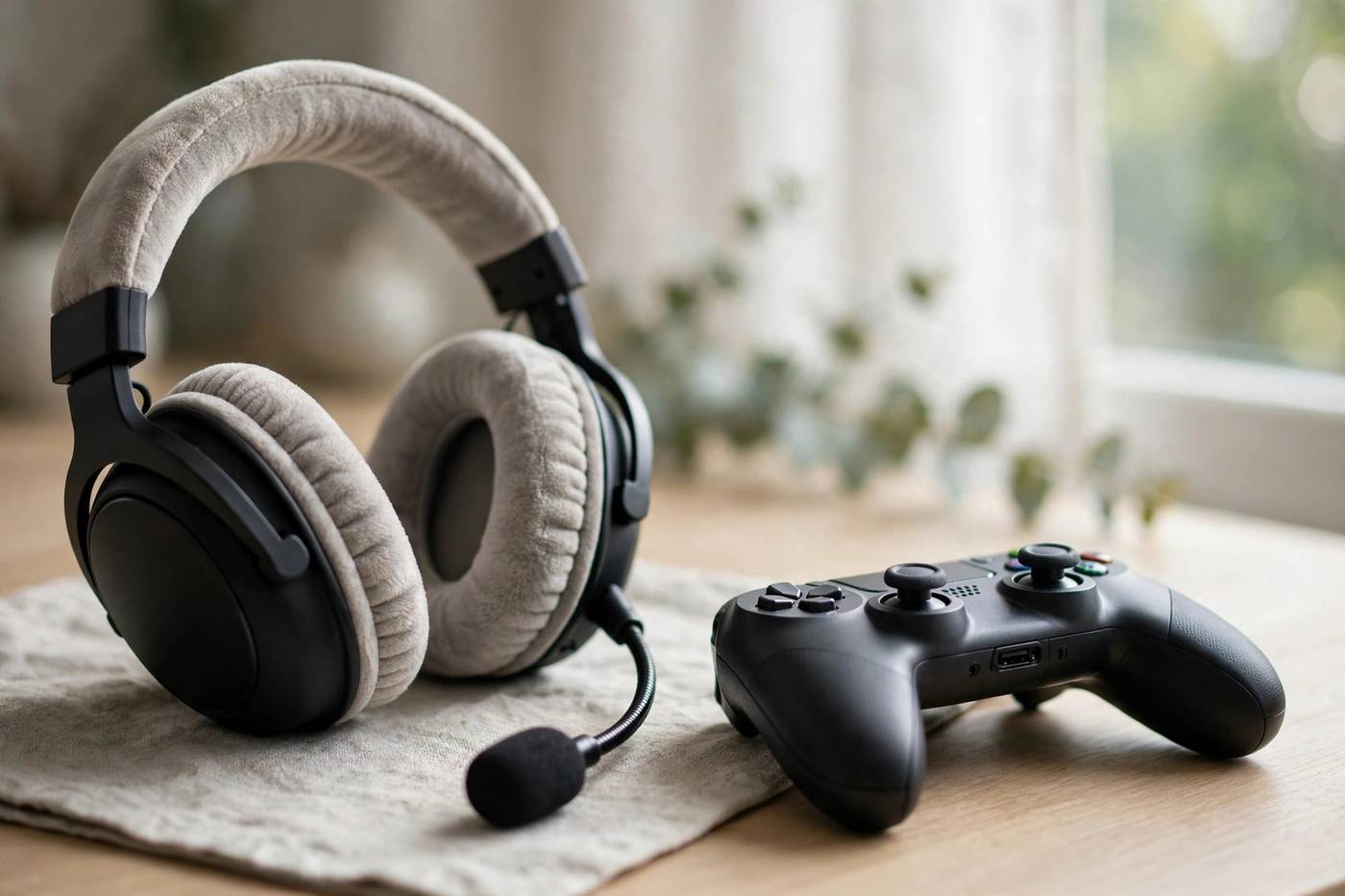
Gaming Headset Sound Quality: Drivers and Spatial Audio Explained
Driver size is the specification shoppers notice first, but it is not the whole story. A well-tuned 40 mm driver beats a poorly tuned 60 mm driver, and the enclosure, ear cushions, and EQ matter just as much.
1. Driver Types
- Dynamic drivers: the standard in most gaming headsets, from 40 mm to 60 mm. They are light and cheap, with good bass.
- Planar magnetic drivers: used by Audeze and Sony. They are heavier but produce more accurate, detailed sound.
2. Spatial Audio Formats
- Dolby Atmos: available on PC and Xbox, adds height and depth.
- DTS Headphone:X: common on PC, strong for positional cues.
Most spatial audio is processed in software or on the console, so the headset does not need to support a specific format. What matters is a comfortable fit and a neutral, detailed tuning that lets the processing work.
Gaming Headset Microphone Quality: What to Listen For
A gaming headset microphone needs to do two things: pick up your voice clearly and reject everything else. The best mics in 2026 use a cardioid or bidirectional pattern, which focuses on sound from your mouth and ignores the room.
- Detachable mics: remove completely for music or travel.
- Flip-to-mute mics: mute by flipping the boom up.
- AI noise cancellation: software that removes keyboard clicks and background voices in real time.
Test your microphone before an important match. Record a short voice note in Discord and listen for hiss, echo, or a thin, distant sound. Keep the mic about two finger-widths from the corner of your mouth.
Gaming Headset Comfort for Long Sessions
Comfort decides whether a headset is still pleasant after three hours. The best gaming headsets keep clamping force low, use breathable ear cushions, and distribute weight across a wide headband.
- Weight: under 300 g is ideal for long sessions; over 400 g needs an excellent headband.
- Ear cushions: leatherette seals in bass better; velour breathes better in warm rooms.
- Glasses: if you wear glasses, look for soft cushions with a relief channel or choose a lighter headset with low clamp force.
Gaming Headset Battery Life Compared
Battery life varies enormously between gaming headsets, and manufacturers measure it differently, so treat every figure as a best-case number. ANC, RGB lighting, and high volume shorten real-world battery life by 20 to 40 percent.
| Headset | Claimed Battery | Real-World Expectation | Charging |
|---|---|---|---|
| HyperX Cloud Alpha Wireless | Up to 300 hours | 250+ hours | USB-C |
| Turtle Beach Stealth 700 Gen 3 | Up to 80 hours | 60 to 70 hours | USB-C |
| Audeze Maxwell 2 | Up to 80 hours | 60 to 70 hours | USB-C |
| Razer BlackShark V3 Pro | Up to 70 hours | 50 to 60 hours | USB-C |
| Logitech G Pro X 2 | Up to 50 hours | 40 to 45 hours | USB-C |
| SteelSeries Arctis Nova 7 Gen 2 | Up to 38 hours | 30 to 35 hours | USB-C fast charge |
| SteelSeries Arctis Nova Pro Wireless | 2 x 22 hours | Unlimited with swap | Hot-swap batteries |
If you play a few hours a day, any headset above 30 hours only needs charging once a week or less. Fast charging matters more than the headline number, because a 15-minute top-up covers most emergencies.
Gaming Headset Compatibility: PC, PS5, Xbox, and Switch
Compatibility is the most common reason buyers return a gaming headset, and almost every mistake involves Xbox. Here is how each platform works.
1. PC Gaming Headsets
PC is the most forgiving platform. Nearly every wired and wireless headset works, with full access to companion software, EQ, and spatial audio.
2. PS5 Gaming Headsets
Most USB and 3.5 mm headsets work on PS5, and the console’s Tempest 3D Audio works with any stereo headset. Sony’s own Pulse Elite uses PlayStation Link for the lowest latency, and standard 2.4 GHz dongles from SteelSeries, Razer, and HyperX work fine over USB.
3. Xbox Gaming Headsets
Xbox is the strictest platform. Wireless headsets need Microsoft’s security chip, so you must buy the Xbox edition. A standard PlayStation or PC wireless dongle will not transmit audio over USB on Xbox, although the controller’s 3.5 mm jack always works with wired headsets.
4. Switch and Mobile Gaming Headsets
The Switch works with 3.5 mm wired headsets in handheld mode and with many USB dongles when docked. Bluetooth headsets pair directly, but latency can be noticeable. On phones, Bluetooth is the default.
How to Set Up a Gaming Headset on PC
Setting up a gaming headset on PC takes about five minutes: unbox → charge or pair → set the headset as the default device → adjust EQ → test the mic → play.
Step 1: Connect the Headset
Plug the USB dongle into a front USB port for the strongest signal, or connect the 3.5 mm cable to your motherboard or controller. For Bluetooth, pair through Windows Settings, then switch to the 2.4 GHz dongle for gaming.
Step 2: Set the Default Device
Right-click the speaker icon in the taskbar, open Sound Settings, and set the headset as both the output and the input device. Do the same in Discord or your game chat app, because apps keep their own device settings.
Step 3: Install the Companion App
Install the manufacturer’s software: SteelSeries GG, Razer Synapse, Logitech G Hub, or HyperX NGENUITY. Update the firmware first, then pick a preset or build your own EQ curve. Turn on Windows Sonic, Dolby Atmos, or DTS Headphone:X in the sound settings to enable spatial audio.
Step 4: Test the Microphone
Open the mic test in Discord, speak at normal volume, and check that your voice is clear with no echo. Set the mic level so the meter peaks around 75 percent when you speak loudly.
How to Set Up a Gaming Headset on PS5
PS5 setup is simpler than PC because the console handles most audio processing itself.
- Plug the USB dongle into a front USB port, or pair the headset over Bluetooth in Settings, then Accessories.
- Go to Settings, then Sound, then Audio Output, and select the headset.
- Turn on 3D Audio for Headphones and run the Measure Room Acoustics test with the headset on.
- Set the microphone level under Settings, then Sound, then Microphone.
- Adjust game and chat balance from the PS button quick menu during your first match.
For the Sony Pulse Elite, use the included PlayStation Link USB adapter instead of Bluetooth. It delivers lower latency and unlocks the headset’s full feature set.
How to Set Up a Gaming Headset on Xbox
Xbox setup depends on whether your headset is wired or wireless. Wired is instant; wireless needs the Xbox edition.
- For a wired headset, plug the 3.5 mm cable into the controller. The console detects it automatically.
- For a wireless Xbox headset, press the pairing button on the console, then on the headset, and wait for the light to stop flashing.
- Open Settings, then General, then Volume and Audio Output, and confirm the headset is selected.
- Set Headset Audio to Windows Sonic, Dolby Atmos, or DTS Headphone:X. Dolby Atmos needs a one-time app install.
- Adjust mic monitoring and chat mixer levels until your voice sounds natural.
If a wireless headset does not connect, check that it is the Xbox edition. A PlayStation or PC dongle will power on but will not pass audio on Xbox.
Gaming Headset EQ and Software Tips
Every gaming headset sounds better with a small amount of EQ tuning. The goal is clarity, not louder bass: footsteps, dialogue, and reload cues should stand out from explosions and music.
- FPS preset: boost the 2 to 4 kHz range to bring out footsteps and gunfire direction, and cut sub-bass below 60 Hz to reduce rumble.
- Story games preset: keep the EQ flat or use a gentle V shape for cinematic bass and clear dialogue.
Save one preset per game type instead of retuning every session. Most companion apps let you switch presets with a button on the headset or a hotkey.
Keep firmware updated. Manufacturers release updates that fix connection drops and improve battery life. Check once a month, and install updates before a session, not during one.
Gaming Headset Troubleshooting: Mic Not Working and More
Most gaming headset problems have simple fixes. Work through this list before returning a headset.
1. Microphone Not Working
- Check the mute button and the flip-to-mute position on the boom.
- Confirm the headset is the selected input device in Windows, Discord, and the game.
- Unplug the dongle or cable and plug it back in, then restart the app.
- Test the mic on another device. If it works there, the problem is software, not hardware.
2. Low Volume or One Side Quiet
- Check the volume wheel on the headset and the volume in Windows or the console.
- Open Sound Settings and confirm the balance is centered.
- Try a different cable or USB port to rule out a damaged connection.
3. Connection Drops and Crackling
- Move the dongle to a front USB port, away from other wireless devices.
- Keep the headset within a few meters of the dongle.
- Switch to wired mode to confirm whether the problem is the wireless link.
4. Headset Not Detected
- Try a different USB port and cable.
- Restart the PC or console with the headset connected.
- Reinstall the companion app and headset drivers.
- Check the manufacturer’s support page for a hard reset procedure.
Gaming Headset Buying Checklist for 2026
Run through this checklist before you buy to avoid the most common mistakes.
- Confirm platform support: Xbox needs an Xbox edition for wireless.
- Decide wired or wireless first, then set your budget.
- Check the weight if you play longer than two hours.
- Look for a detachable or retractable microphone.
- Read the real battery figure, not the marketing headline, and check fast charging.
- Try the headset on if you wear glasses, or buy from a store with a good return policy.
- Buy the headset that fits your main platform and game type, not the longest specification list.
A headset combines headphones and a microphone into one device, and gaming headsets are a specialized branch of that design, tuned for positional audio and voice chat rather than music alone.
Gaming Headsets 2026: Frequently Asked Questions
1. Are wireless gaming headsets good for competitive gaming?
Yes. Modern 2.4 GHz wireless headsets have latency low enough for ranked play. Avoid Bluetooth-only connections for competitive games, because Bluetooth adds noticeable delay.
2. Do I need a special headset for PS5?
No. Any stereo headset works with the PS5’s Tempest 3D Audio, including wired models. Sony’s Pulse Elite adds PlayStation Link wireless, but it is optional.
3. Will a PS5 headset work on Xbox?
Wired headsets work on Xbox through the controller’s 3.5 mm jack. Wireless headsets need the Xbox edition with Microsoft’s security chip.
4. How long should a gaming headset battery last?
Look for at least 30 hours of claimed battery life for comfortable weekly charging. Real-world battery life is usually 20 to 40 percent lower than the headline figure when ANC or high volume is used.
5. Are expensive gaming headsets worth it?
For most players, the best value sits between $130 and $250. Flagship headsets above $300 add features like ANC and planar drivers, but the sound difference over a good mid-range headset is smaller than the price gap suggests.
6. What is the best gaming headset under $100?
The HyperX Cloud III and the Razer BlackShark V2 X are the strongest picks under $100 in 2026. Both offer good sound and a clear microphone, and both work on PC, PS5, and Xbox without any setup.
Conclusion
The best gaming headsets in 2026 give every kind of player a strong option. The SteelSeries Arctis Nova Pro Wireless is the most complete premium package, the Razer BlackShark V3 Pro is the sharpest competitive tool, and the SteelSeries Arctis Nova 7 Gen 2 is the best balance of price and performance.
Budget buyers are well served too. The HyperX Cloud III and the Razer BlackShark V2 X deliver reliable sound and clear microphones for under $100, while the HyperX Cloud Alpha Wireless removes charging from your routine.
Choose by platform first, comfort second, and price third. Confirm Xbox compatibility before you buy, and spend a few minutes on EQ and mic setup once the headset arrives. The right gaming headset does not just sound better, it makes every game easier to read and every callout easier to hear.

1 Comment
Pingback: Gaming Chairs 2026: Best Comfort Picks for Long Sessions