

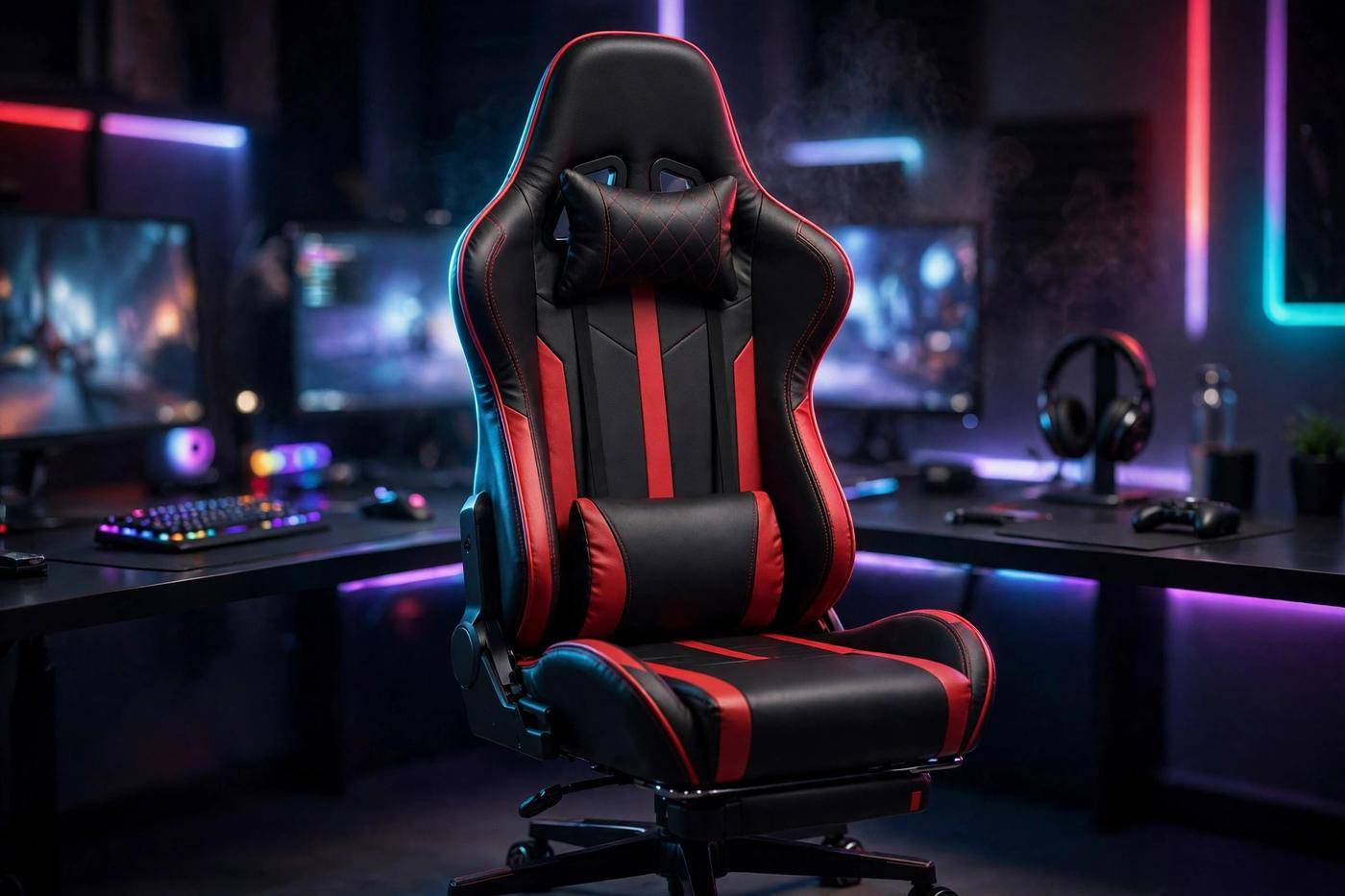
Gaming Chairs have come a long way from the loud racing-seat clones of the 2010s. In 2026, the best gaming chairs pair real ergonomic engineering — adjustable lumbar systems, dense foam, multi-dimensional armrests — with the bold looks gamers love. The right chair protects your back, neck, and focus through every long session.
This guide explains what defines a gaming chair, how the main types differ, how to match size and materials to your body, and which 2026 models are worth your money at every price point. Every pick is a real, current model — no placeholders. For a complete setup, match your seating with the right input gear, like the best gaming keyboards of 2026.
Prices are approximate US list prices as of late 2026 and move with sales, so confirm before buying. Shortlist two or three chairs here, then check the sizing chart and return policy before committing.
What Is a Gaming Chair?
A gaming chair is an ergonomic chair marketed toward gamers, with a tall backrest built to support the upper back and shoulders. The armrests, back, lumbar support, and headrest can all be adjusted for comfort and efficiency.
DXRacer created the category around 2006. The company originally made high-end car seats, then repurposed its stockpile of bucket seats into standalone chairs marketed to gamers after Chrysler discontinued several car lines. More makers joined in 2008, and the market boomed in 2011 with Twitch and the rise of esports.
Today the category spans $90 budget chairs to $1,000 ergonomic flagships — all promising a seat built for long, focused sessions in front of a screen.
Are Gaming Chairs Good for Your Back?
It depends on the chair. Critics note many gaming chairs are designed primarily for aesthetics, with worse ergonomics than modern office chairs. A cheap chair with a flat backrest, thin foam, and a decorative lumbar pillow will not fix your posture.
A well-designed chair with a genuine adjustable lumbar system, dense foam, and proper adjustability supports long sessions fine. The difference is engineering, not styling — buy for the lumbar mechanism and adjustment range, never the racing stripes. And no chair replaces standing up and stretching regularly.
- Adjustable lumbar support matters more than any other single feature.
- Dense foam holds its shape for years; cheap foam flattens within months.
- Correct sizing beats brand names — a chair built for a tall player hurts a shorter one.
Types of Gaming Chairs Explained
Four families of gaming chairs exist in 2026. Knowing which fits your setup narrows the choice instantly.
1. Racing-Style PC Chairs
The classic: a tall bucket-seat backrest with side bolsters, a headrest pillow, a lumbar cushion, and adjustable armrests on a five-star base. The most popular type — every pick in this guide belongs to it. Best for desk setups.
2. Ergonomic and Office-Hybrid Chairs
Borrowing from premium office furniture: built-in adjustable lumbar, breathable mesh, subtler styling. The Herman Miller Vantum and Herman Miller x Logitech G Embody blur the line between gaming and office chairs. Best for ergonomics-first buyers.
3. Platform and Floor Chairs
These sit directly on the floor and resemble recliners, suiting console gamers playing in front of a TV. They trade desk ergonomics for lounging comfort. Best for living-room setups.
4. Hybrid and Force-Feedback Chairs
Hybrid chairs combine a swivel base with a platform-style seat. Force-feedback chairs add haptic technology delivering body-pressure feedback matched to in-game events. Niche picks for sim-racing cockpits, not general-purpose seating.
Gaming Chairs vs Office Chairs Compared
Both can be comfortable — the differences are priorities, not quality.
- Backrest height: gaming chairs run taller, supporting head and shoulders; office chairs usually stop at mid-back.
- Lumbar approach: gaming chairs include a lumbar pillow or built-in system; office chairs range from nothing to excellent built-in support.
- Recline range: gaming chairs recline far (up to 165 degrees on flagships); office chairs tilt modestly for task work.
- Styling: gaming chairs embrace bold colors and racing lines; office chairs aim for neutral, workplace-friendly looks.
- Armrests: 4D and 6D armrests are far more common on gaming chairs than on office chairs.
Choose a gaming chair for the tall backrest, deep recline, and gaming aesthetic. Choose an office chair for understated looks and task ergonomics — or split the difference with an office-hybrid like the Herman Miller Vantum.
How to Choose Gaming Chair Size and Fit
Fit is the most overlooked part of buying a gaming chair. A chair rated for a 6-foot-5 player positions its lumbar support and headrest wrong for a 5-foot-4 player.
- Check the height and weight rating first. The Secretlab Titan Evo comes in three sizes covering roughly 4’11” to 6’9″; the Corsair TC100 Relaxed suits users up to about 6’2″ (188 cm) and 264 lbs (120 kg).
- Big and tall buyers need XL lines. The AndaSeat Kaiser 4 XL and Secretlab Titan Evo XL both support up to about 395 lbs with wider seats and taller backrests.
- Check seat depth. Sitting all the way back, you should fit two fingers between the seat edge and the back of your knees.
- Mind the return policy. Even perfect specs cannot guarantee comfort — buy where returns are allowed for at least 30 days.
Gaming Chair Lumbar Support Explained
Lumbar support fills the curve of your lower back, and it is the single biggest comfort differentiator between gaming chairs. Two approaches dominate in 2026.
1. Lumbar Pillows
Budget and mid-range chairs ship with a separate pillow strapped to the backrest. Quality varies: memory-foam pillows like the Corsair TC100 Relaxed’s work well, while flat pillows on ultra-budget chairs add almost nothing. Adjust by sliding the pillow until it fills the small of your back.
2. Built-In Adjustable Systems
Premium chairs integrate the mechanism into the backrest. The Secretlab Titan Evo’s 4-way L-ADAPT adjusts in height and depth; the Razer Iskur V2’s HyperFlex swivels 360 degrees to follow your spine; the AndaSeat Kaiser 4 pairs a pop-out pad with a dial for fine depth control. Built-in systems beat pillows because they adjust in two dimensions and never slide out of place. With any history of lower-back discomfort, prioritize a built-in system.
Gaming Chair Materials Compared
Upholstery decides how a chair feels in summer, how it ages, and how much maintenance it needs.
| Material | Feel | Breathability | Durability | Best For |
|---|---|---|---|---|
| PU leather (leatherette) | Smooth, premium look | Low — runs warm | Good for 3–5 years; can peel | Style-first buyers in cool rooms |
| Fabric / SoftWeave | Soft, textured | High — stays cool | Very good; resists peeling | Warm climates, long sessions |
| Mesh | Firm, springy | Highest | Excellent; no cracking | Hot rooms; ergonomics-first buyers |
| Real leather | Rich, supple | Medium | Excellent with care | Premium budgets ($800+) |
- PU leather is waterproof and wipes clean, which is why it dominates budget chairs. Weakness: it traps heat, and cheap PU can peel after a couple of years.
- Fabric breathes far better and never peels — Secretlab’s SoftWeave Plus and AndaSeat’s linen bring it to the premium tier.
- Mesh offers the best airflow and appears on ergonomic hybrids; it feels firmer than foam.
- Care tip: keep PU leather out of direct sunlight and wipe it monthly — UV and sweat cause peeling.
Gaming Chair Recline, Tilt, and Lock Mechanisms
Recline is how far the backrest leans; tilt is how the seat rocks; the lock freezes your chosen position.
- Recline range: flagships reach 165 degrees (Titan Evo, Kaiser 4); the Iskur V2 hits 152 degrees; the TC100 Relaxed spans 90–160 degrees. Use 100–110 degrees for active gaming and deeper angles for breaks.
- Tilt lock: freezes the backrest at your angle. A slipping lock is a classic cheap-chair complaint — test it early.
- Tension control: the under-seat knob sets recline resistance. Heavier users should tighten it; lighter users should loosen it.
- Safety: at full recline the center of gravity shifts — keep the base flat on the floor and avoid leaning far sideways.
Gaming Chair Armrests: 2D, 4D, and 6D Explained
Armrests take the weight of your arms so your shoulders stay relaxed. The “D” number counts adjustment directions.
1. 2D Armrests
Move up/down and inward/outward. Standard on budget chairs like the Corsair TC100 Relaxed — fine for fixed desk heights.
2. 4D Armrests
Add forward/backward slide and pivot. The Titan Evo’s magnetic CloudSwap armrests and the Iskur V2’s 4D set angle the pads to your natural arm position — noticeably better for long mouse-and-keyboard sessions.
3. 5D and 6D Armrests
Add tilt and extra slide range. The Kaiser 4’s 5D armrests suit players switching between controller, keyboard, and phone all day.
Set armrest height so elbows rest at roughly 90 degrees with shoulders relaxed. Too high shrugs your shoulders; too low makes you hunch.
Best Gaming Chairs in 2026 at a Glance
Short on time? The six strongest gaming chairs of 2026, each earning its spot for a specific buyer. Full reviews follow.
| Chair | Best For | Lumbar System | Recline | Weight Limit | Approx. Price |
|---|---|---|---|---|---|
| Secretlab Titan Evo | Best overall | 4-way L-ADAPT | 165° | Up to 395 lbs (XL) | ~$549+ |
| AndaSeat Kaiser 4 | Big and tall | Pop-out + dial | 165° | Up to 395 lbs (XL) | ~$549–$649 |
| Razer Iskur V2 | Lumbar support | HyperFlex 360° | 152° | ~300 lbs | ~$649 |
| Herman Miller Vantum | Premium ergonomics | PostureFit + thoracic pad | Limited tilt | 275 lbs | ~$795–$995 |
| Corsair TC100 Relaxed | Budget | Pillow cushions | 160° | 264 lbs | ~$270 (often under $200) |
| GTPlayer | Ultra-budget | Pillow cushions | Up to 135° | 300 lbs | $89–$119 |
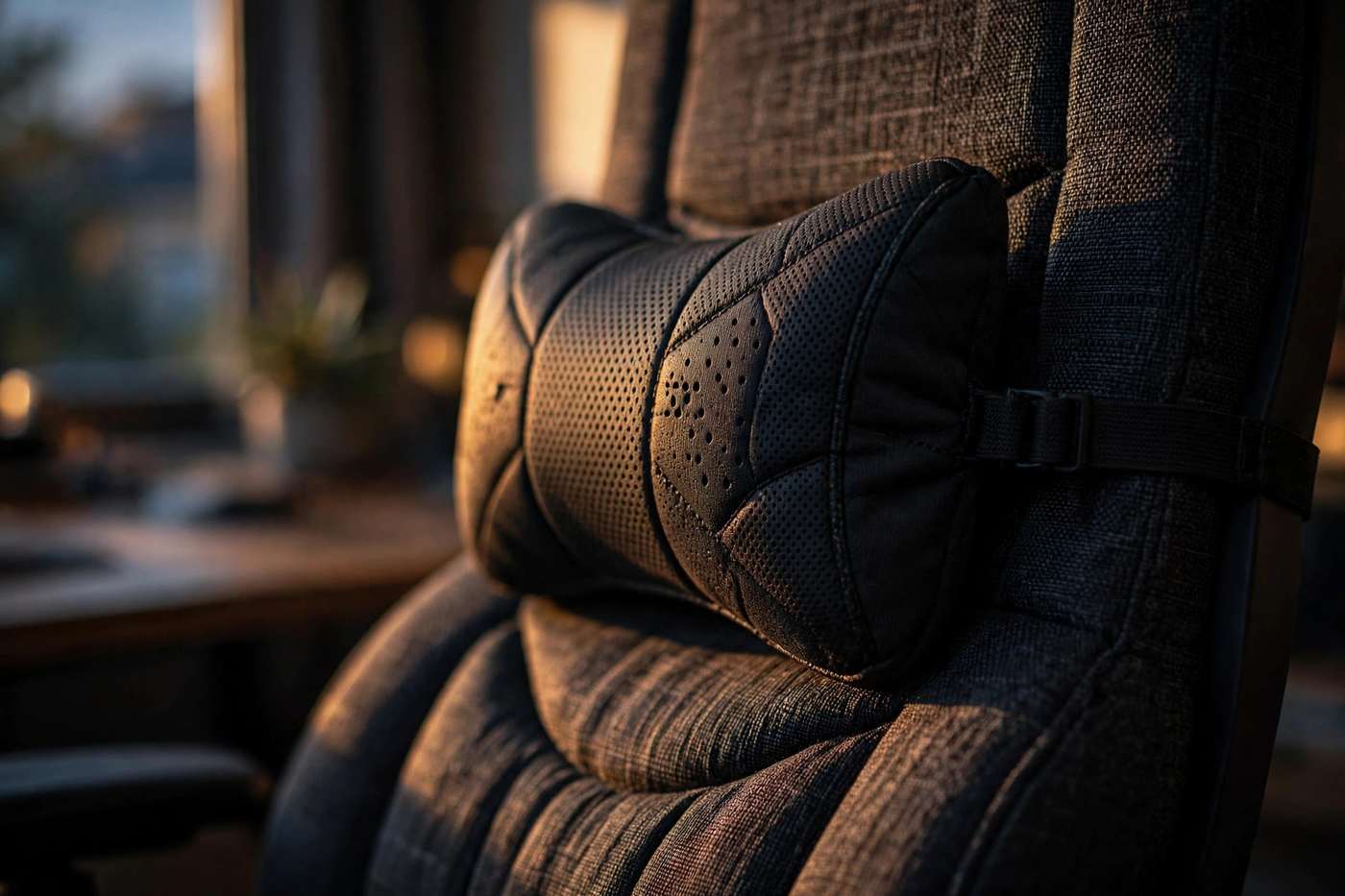
Secretlab Titan Evo: Best Overall Gaming Chair
The Secretlab Titan Evo remains the default answer to “which gaming chair should I buy” in 2026. Its 4-way L-ADAPT lumbar adjusts in height and depth, the cold-cure foam stays supportive for years, and three sizes cover users from about 4’11” to 6’9″.
Pros:
- 4-way adjustable lumbar — the best integrated system under $600.
- 165-degree recline with magnetic CloudSwap 4D armrests.
- Leatherette or breathable SoftWeave Plus fabric; warranty up to 5 years.
Cons:
- Starts around $549 — a real investment.
- Firm out of the box; needs a week or two to break in.
Best for: most buyers who want one chair that does everything well. From ~$549 (NanoGen cooling edition ~$799).
AndaSeat Kaiser 4: Best Gaming Chair for Big and Tall Gamers
The Kaiser 4 is the Titan Evo’s most serious rival, winning on 5D armrests, a wider XL seat, and a longer warranty. The XL supports up to about 395 lbs.
Pros:
- Pop-out lumbar pad with dial for precise depth control.
- 5D armrests — the most adjustable here; warranty up to 6 years.
- Linen fabric option for buyers who run warm.
Cons:
- Bulky footprint; the XL needs real floor space.
- Fewer size options than the Titan Evo’s three-size range.
Best for: big and tall gamers wanting maximum adjustability. Roughly $549–$649.
Razer Iskur V2: Best Gaming Chair for Lumbar Support
The Iskur V2 is built around one idea: the best lumbar support in a gaming chair. Its HyperFlex system swivels 360 degrees so the lumbar curve follows your spine as you shift and recline — reviewers call it unmatched in the category.
Pros:
- HyperFlex 360-degree adaptive lumbar — class-leading back support.
- 4D armrests, 152-degree recline, dense high-resilience foam.
Cons:
- Around $649 — premium pricing.
- ~300 lb capacity is lower than XL flagships; 3-year warranty (5 with registration).
Best for: buyers with lower-back concerns. The Iskur V2 X (~$349.99) keeps the concept with a fixed arch and 2D armrests.
Herman Miller Vantum: Best Premium Ergonomic Gaming Chair
The Vantum brings genuine office-chair ergonomics to gaming styling: PostureFit sacral support plus a thoracic pad encouraging upright, active posture. Its 12-year warranty doubles any gaming-first brand.
Pros:
- Office-grade ergonomics from the most respected name in seating.
- 12-year warranty; breathable, home-office-friendly design.
Cons:
- $795–$995 — the priciest pick here, with limited recline.
- 275 lb capacity, below XL gaming chairs.
Best for: ergonomics-first buyers with the budget. The Herman Miller x Logitech G Embody is the even more premium alternative.
Corsair TC100 Relaxed: Best Budget Gaming Chair
The smartest buy under $300. Its wider, relaxed seat skips the aggressive bolsters that squeeze broader sitters, and breathable fabric stays comfortable in warm rooms. The spec sheet punches above the price: Class 4 gas lift, 90–160 degree recline, 2D armrests, lumbar and memory-foam neck pillows included.
Pros:
- Wide, relaxed seat fitting more body types; solid steel frame.
- Lists ~$270 but regularly sells under $200.
Cons:
- Pillow-based lumbar, not a built-in system; 2D armrests only.
- Rated to 264 lbs / 6’2″ — tall or heavy buyers should size up.
Best for: budget buyers wanting a real brand with no gimmicks.
GTPlayer Gaming Chair: Best Ultra-Budget Pick
The best-known ultra-budget chair at $89–$119: retractable footrest, lumbar and headrest pillows, and a Class-4 SGS-certified gas lift rated to 300 lbs. Tens of thousands of positive buyer reviews back it.
Pros:
- Unbeatable price with footrest included; PU leather wipes clean.
Cons:
- Thin foam flattens faster; only a 1-year warranty.
- Basic pillow lumbar with limited adjustability.
Best for: first setups and tight budgets — a 2–3 year chair, not a 5-year investment.
Gaming Chair Prices in 2026: What to Expect
Prices cluster into clear tiers. Knowing them keeps you from overpaying — or expecting flagship quality at a budget price.
- Under $150: GTPlayer and similar. Core features present, but thin foam and short warranties — expect 2–3 years of daily use.
- $150–$300: Corsair TC100 Relaxed, Razer Iskur V2 X. Real brands, decent foam. The best value tier for casual players.
- $300–$600: Secretlab Titan Evo, AndaSeat Kaiser 4. Real adjustable lumbar, 4D+ armrests, multi-year warranties — where lasting quality starts.
- $600–$1,000: Razer Iskur V2, Herman Miller Vantum, Titan Evo NanoGen. Advanced materials and ergonomics-first engineering.
Reputable brands run roughly $190–$660, with outliers at $900+. Flagships often drop $50–$100 during major sales — patience pays.
How to Assemble a Gaming Chair Safely
Most chairs assemble in 15–20 minutes with the included Allen key. The workflow is the same across brands: Unbox → Inventory Parts → Build the Base → Attach the Backrest → Test Every Adjustment.
Step 1: Unbox and Inventory the Parts
Lay out every part and check it against the parts list before touching a bolt. Finding a missing washer now beats discovering it at the last step.
Step 2: Attach the Casters to the Base
Push each wheel into the five-star base until it clicks. Set the base upright — it should sit flat with no rocking.
Step 3: Insert the Gas Lift
Drop the cylinder into the base center and slide the cover over it. Do not force it; it seats itself under weight.
Step 4: Mount the Tilt Mechanism
Bolt the mechanism under the seat cushion. Leave bolts slightly loose until all are started, then tighten in a cross pattern.
Step 5: Bolt on the Backrest
Align the side brackets and drive the bolts in — turn each backward half a turn until it clicks into the thread first, to avoid cross-threading.
Step 6: Attach Armrests and Pillows
Bolt on the armrests, strap on the pillows, set the chair onto the gas lift, and sit down firmly once to seat the cylinder.
Step 7: Test Every Adjustment
Run through seat height, recline, tilt lock, armrests, and lumbar depth. If anything binds, re-check the bolts before your first long session.
Gaming Chair Adjustment Checklist for Perfect Posture
A $600 chair adjusted badly feels worse than a $200 chair adjusted well. Work through this once, then revisit monthly.
- Seat height: feet flat on the floor, knees at roughly 90 degrees.
- Lumbar position: filling the curve at your belt line — not your mid-back.
- Backrest angle: 100–110 degrees for active gaming; deeper for breaks.
- Armrests: elbows at 90 degrees, shoulders relaxed — not shrugged.
- Headrest: at the base of your skull, keeping your neck neutral.
- Tilt tension: supporting your weight without throwing you backward.
- Desk match: keyboard and mouse at elbow height — close any gap.
Gaming Chair Posture Tips for Long Sessions
Good posture is a habit, not a feature. Five habits protect your back during marathons.
- Sit all the way back. Buttocks against the seat back so the lumbar support contacts your lower back — perching on the edge defeats the design.
- Keep the lumbar engaged. A dial set too shallow equals no lumbar at all.
- Uncross your legs. Crossing twists the pelvis and loads one side of the lower back; keep both feet flat.
- Recline slightly. 100–110 degrees opens the hip angle and reduces spinal disc pressure versus bolt-upright sitting.
- Move hourly. Stand, walk, and stretch five minutes each hour — no chair undoes eight motionless hours.
How to Clean and Maintain a Gaming Chair
Minutes of maintenance a few times a year keeps a good chair feeling new well past its warranty.
- PU leather: wipe with a damp microfiber cloth monthly, then dry. Avoid harsh cleaners and alcohol — they speed up peeling.
- Fabric: vacuum with an upholstery attachment; spot-clean spills immediately with mild soap and water.
- Tighten bolts every 3–6 months. Daily rocking loosens fasteners — a quick Allen-key pass prevents most squeaks.
- Clean the casters. Hair around wheel axles stiffens rolling and scratches floors; clear them twice a year.
- Avoid direct sunlight. UV breaks down PU leather and fades fabric.
Gaming Chair Troubleshooting: Squeaks, Sinking, and Wobble
Three common problems, three fixes.
1. The Chair Squeaks When You Lean
Tighten every bolt, then apply silicone lubricant to moving metal joints — especially where backrest brackets meet the seat mechanism. Avoid oil sprays on upholstery.
2. The Chair Slowly Sinks
The gas lift cylinder is failing. Replacement Class-4 cylinders are inexpensive and swap in minutes — pull the old one from the base and drop in the new, matching class and stroke length.
3. The Chair Wobbles
Check base bolts first — a loose tilt mechanism is the usual cause. If bolts are tight, suspect the floor: uneven floors make any chair rock, and a chair mat often solves it. Persistent wobble with tight bolts can mean a cracked base — a warranty claim.
4. Armrests Feel Loose
Tighten the mounting bolts under the pads. On 4D armrests, wipe dust from the sliding rails — that usually ends the wobble.
When Should You Replace a Gaming Chair?
Premium chairs typically last 4–6 years of daily use; budget chairs 2–3 years.
- Foam compression: feeling the seat board through the cushion means the foam is done.
- Peeling upholstery: widespread PU peeling cannot be repaired cleanly.
- Dead gas lift: worth replacing once; a second failure means end of life.
- Warranty math: a $549 chair lasting 5 years costs ~$110/year — cheaper than replacing a $120 chair every two years.
For the full history of how racing seats became desk chairs — from DXRacer’s 2006 car-seat origins through the Twitch-era boom — the Gaming chair article on Wikipedia traces the category’s evolution in detail.
Gaming Chairs 2026: Frequently Asked Questions
How much should I spend on a gaming chair?
Most buyers land happiest at $300–$600, where chairs like the Titan Evo and Kaiser 4 offer real adjustable lumbar and multi-year warranties. Under $300, the Corsair TC100 Relaxed is the safest bet; under $150, expect compromises.
Are gaming chairs good for back pain?
A chair with genuine adjustable lumbar supports healthy sitting posture, but no chair treats medical back pain. With persistent pain, see a clinician — and prioritize built-in adjustable lumbar over decorative pillows.
What size gaming chair do I need?
Match the manufacturer’s height and weight ratings to your body. Big and tall buyers should choose XL lines like the Kaiser 4 XL or Titan Evo XL, both rated to about 395 lbs.
Should I choose PU leather or fabric?
Fabric if you run warm — it breathes better and never peels. PU leather for the classic look and easy wipe-clean care; keep it out of direct sunlight to delay peeling.
How long do gaming chairs last?
Premium chairs last 4–6 years of daily use; budget chairs 2–3 years. Tightening bolts regularly and shielding PU leather from sunlight extends life meaningfully.
Can I use a gaming chair as an office chair?
Yes — many remote workers use them full-time. For subtler styling, an office-hybrid like the Herman Miller Vantum fits both worlds.
Conclusion
The best gaming chairs of 2026 prove the category has grown up. The Secretlab Titan Evo is the best all-rounder, the AndaSeat Kaiser 4 serves big and tall gamers, the Razer Iskur V2 leads on lumbar support, the Herman Miller Vantum brings true ergonomic pedigree, and the Corsair TC100 Relaxed and GTPlayer cover the budget tiers honestly.
Whatever your budget, buy for fit, lumbar engineering, and foam quality — in that order. Size the chair to your body, dial in the adjustments with the checklist above, and maintain it twice a year for years of comfortable long sessions.
